The Markdown Layer: State of Markdown 2026
A sourced report on Markdown in repositories, AI instructions and document workflows, with an original repository panel, public data and a 2027 outlook.
Read more→
Tutorials for Markdown to PDF, MD to PDF, PDF to Markdown, HTML to PDF, GFM, Mermaid, LaTeX, CJK text, and documentation workflows

A sourced report on Markdown in repositories, AI instructions and document workflows, with an original repository panel, public data and a 2027 outlook.
A reproducible snapshot of Markdown and agent-context filenames in 24 selected GitHub repositories, with complete data for 21 and clear limits.
What AGENTS.md research actually measures, why efficiency and correctness results differ, and how to evaluate instructions in your own repository.
A practical review process for AGENTS.md and related files: define ownership, resolve conflicts, verify commands and archive superseded guidance.
Understand what Markdown preserves across tools, where dialects and assets break portability, and how to prepare knowledge for sharing.
Check a Markdown PDF for missing assets, page breaks, readable diagrams and usable text, with a review checklist and source-retention advice.
Learn how to turn useful AI conversations into reviewable documents while preserving context, checking sources and choosing an appropriate export.
Definitions, source checks, repository selection, missing-data handling and reproducible downloads for The Markdown Layer research report.

Saved HTML can lose images, styles, and reading order when converting HTML to PDF; use a source editor to catch those problems before exporting.

Learn how converting text-based PDFs to Markdown works, what survives, and how to review headings, lists, tables, and code without mangling the text.

Compare free Markdown to PDF converters for 2026, including MD2FILE, Pandoc, CloudConvert, Dillinger, Typora, Mermaid, LaTeX, and live preview.

Compare MD2FILE and Pandoc for Markdown to PDF export, browser editing, live preview, Mermaid, LaTeX, templates, citations, and automation.
Compare MD2FILE and CloudConvert for Markdown to PDF workflows, browser editing, uploaded file conversion, API use, privacy, Mermaid, and LaTeX math.
Learn how to export Markdown with Mermaid diagrams and LaTeX math to PDF using a browser-based Markdown editor with live preview.
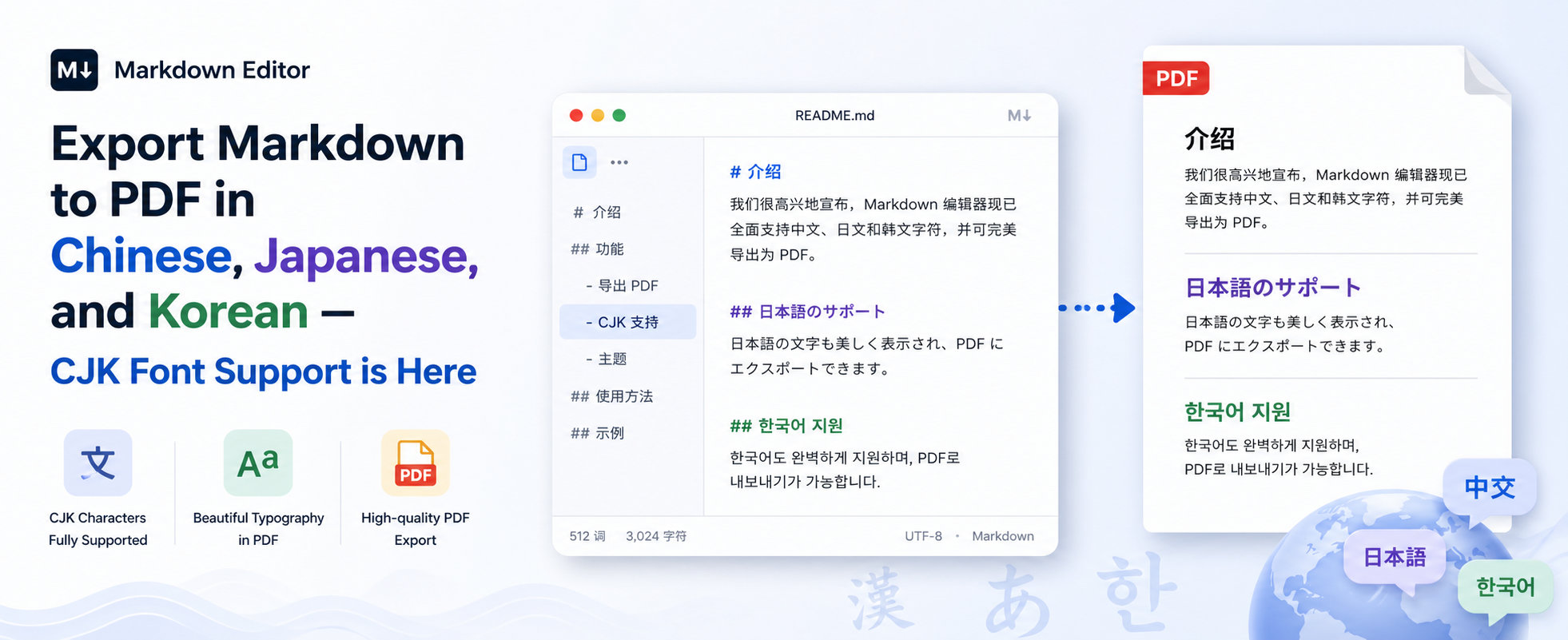
Export Markdown to PDF with CJK support for Chinese, Japanese, and Korean text. MD2FILE preserves line breaks, spacing, and clean typography in PDFs.

Use this Markdown cheatsheet for headings, lists, links, code blocks, tables, task lists, and images, with examples for writers and developers.
Learn how to use Markdown in documentation with clear headings, links, tables, code blocks, task lists, and maintainable technical workflows.

Easily convert GitHub-Flavored Markdown to PDF with a few clicks. Paste your Markdown, edit, preview, and export as a polished PDF in seconds.
Learn Markdown syntax highlighting, language fences, theme tips, and export checks for readable code blocks in documentation and PDF workflows.
Learn what a Markdown editor is, how it helps writers and developers format text, preview documents, export PDFs, and manage content workflows.
Learn how to convert Markdown to PDF with browser editors, Pandoc, templates, images, tables, Mermaid diagrams, LaTeX math, and practical export checks.